 EN
EN
























































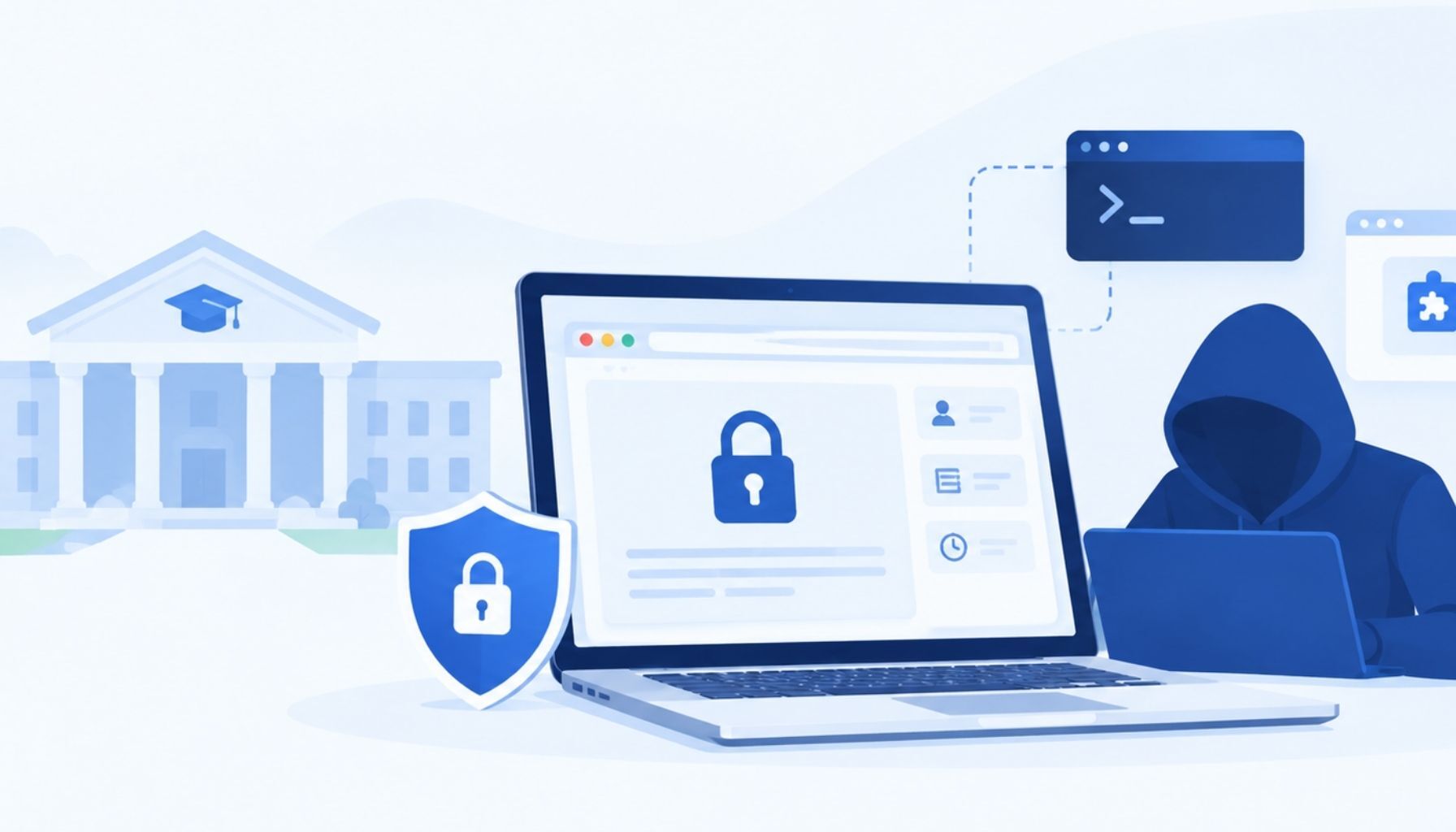
A Monday morning in the testing center
This Monday, a testing center director at a community college outside Chicago asked his peers a simple question. Which lockdown browser do you use, and why? He was clear that he wanted a browser recommendation, not live video proctoring.
Within minutes the thread had turned into something else. A testing coordinator at a college in Georgia shared what she had learned the week before. An instructor flagged an exam whose answers read as if AI had written them. The video showed a student on his own laptop, which his accommodation allowed. Windows opened and closed after the exam started. He kept reaching for the function keys. He had used AI throughout a locked down exam, and the instructor moved every future exam in her course back to paper.
She added the detail that should worry every testing center leader. Short videos on TikTok now walk students through how to get around lockdown browsers. Another manager in Wisconsin replied that an AI overlay app built for live assistance is reported to run inside at least one popular lockdown browser. Others shared what they do instead: center owned machines only, overhead cameras, screen monitoring software, and no personal laptops, even for accommodations.
That thread is a fair snapshot of where higher education testing is in late 2026. The tools most colleges rely on were built to stop a student from opening a new tab. The student of 2026 is not opening a new tab.
How students are getting around the lock
None of this requires a computer science degree. The methods spreading on social media fall into four broad groups.
- Run the exam somewhere the browser cannot see. Virtual machines and remote desktop sessions let the locked browser run inside a sandbox while the real desktop stays open.
- Hide the help on the same screen. AI overlay apps sit on top of the exam as an invisible layer that screen capture and the browser itself often miss. A keystroke summons an answer.
- Move the help off the screen. A second monitor, a phone under the desk, a smart watch, or a friend on a call.
- Use the student's own device. A personal laptop can carry modified settings, hidden processes and tools the testing center never installed. Accommodations often make personal devices the norm, not the exception.
The common thread is that the browser is only one program on a machine the student may control. It sees what it was told to look for, and nothing else.
Why the blocked list keeps losing
Most lockdown browsers work from a list. Block these apps, disable these shortcuts, close these windows. That model made sense when the threat was a search engine in another tab.
It breaks down for three reasons.
- The list is always behind. A new AI app ships, a tutorial goes viral, and the vendor patches weeks later. In that window every exam is exposed.
- A browser sees the machine, not the room. It cannot see the phone, the second person or the earpiece. That is why so many centers in the thread pair the browser with cameras, monitoring software or staff at a front desk.
- Nothing is left to review. When a lockdown browser is bypassed, it usually fails silently. The instructor in Georgia caught the student only because the answers sounded wrong and a recording existed. Most exams have no recording, so most bypasses are never found.
The workarounds testing centers are reaching for are sensible, and they show the cost. Center-owned machines only. Back to paper. No personal laptops, even when an accommodation calls for one. Each one trades access and scale for security. Colleges should not have to choose.
How Talview closes the gap
Talview treats exam security as platform, people and processes working together, not a browser working alone. We have run more than 20 million proctored sessions over ten years for universities, certification bodies and regulated programs. Here is what that looks like in a testing center.
A block list that moves as fast as TikTok. The Talview Secure Browser runs on a fast evolving block list. When a new cheating tool starts circulating, it gets added quickly, not at the next annual release. AI overlay apps like Cluely are blocked today.
Virtual machines detected and stopped. Running the exam inside a virtual machine or remote session is one of the most common bypasses in the tutorials. The Talview Secure Browser detects these environments and blocks the exam from launching inside them.
Intelligence for what is not on any list yet. The block list handles the known tools. Alvy, our patented proctoring AI, is built into the browser to handle the unknown ones. It watches behavior, such as windows appearing and disappearing, unusual keystroke patterns or function key use, and acts in real time even when the app has never been seen before. Our behavioral secure browser approach is patent pending.
A record every time. Every session leaves a reviewable record. When an instructor says the answers sound like AI, the center has the proof in minutes instead of a hunch and a hard conversation.
Human escalation when the AI cannot be sure. This is not a person watching every student. Alvy takes the first look at every session. When it sees a suspicious action it cannot confirm on its own, it escalates to a trained reviewer in real time. The reviewer checks the evidence, works to one protocol and returns a clear verdict, so a student is never flagged on a guess and a real violation is never waved through.
An added layer when the stakes call for it. The browser, the block list, Alvy and human escalation do the core work. Centers that want more can add second camera checks and environment scans to cover the phone, the notes and the person no browser can see. That extra layer is what lets a center confidently say yes to a personal laptop for an accommodation.
We catch more events than anyone else in this market, and we pair it with superior real time agentic support for test takers and staff. The result is that colleges can keep online and accommodated testing open without going back to paper.
Five questions to ask before your next renewal
Whether or not you choose Talview, these are the questions every testing center should put to its lockdown browser vendor this term.
- What happens when a student runs an AI tool that is not on your blocked list yet?
- How do you detect a virtual machine, remote session or invisible overlay?
- What does your browser do about the phone and the room it cannot see?
- If a bypass works, what record do I have to review afterward?
- Can I support personal laptops for accommodations without lowering the bar?
If the answers are a patch schedule and a promise, the browser is a speed bump. The students sharing tutorials on TikTok already know that.
Talview works with testing centers to run a side by side pilot on real exams, so you can see what your current setup is missing before you change anything. Talk to our team to set one up.






Leave a Reply